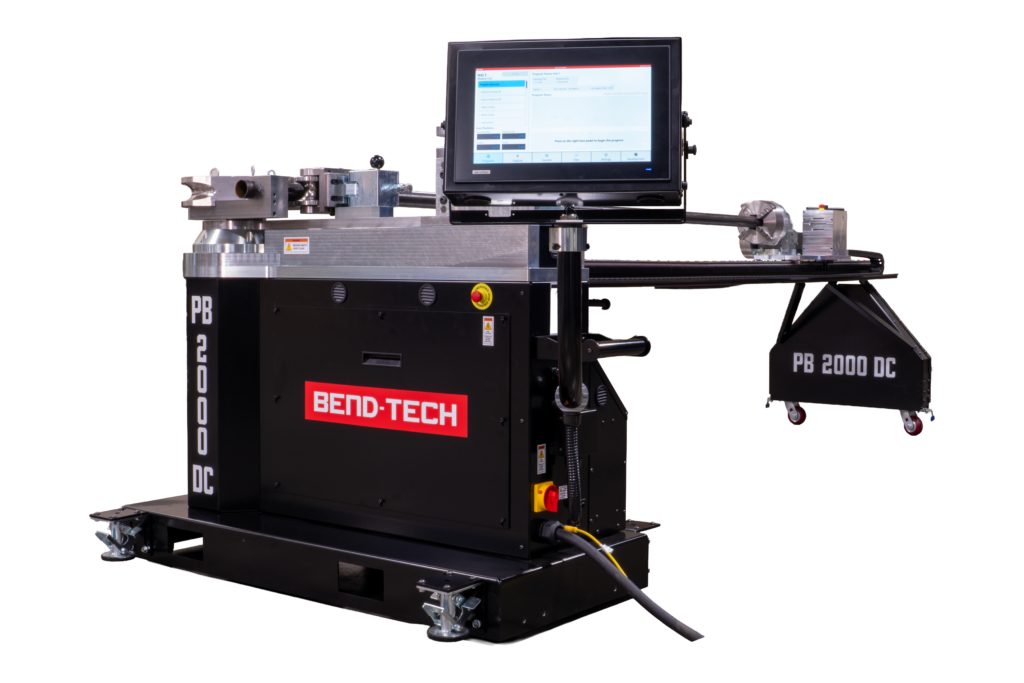
Bend-Tech BOSS Software is exclusive to the PB 2000 DC Rotary Draw Tube and Pipe Bender.
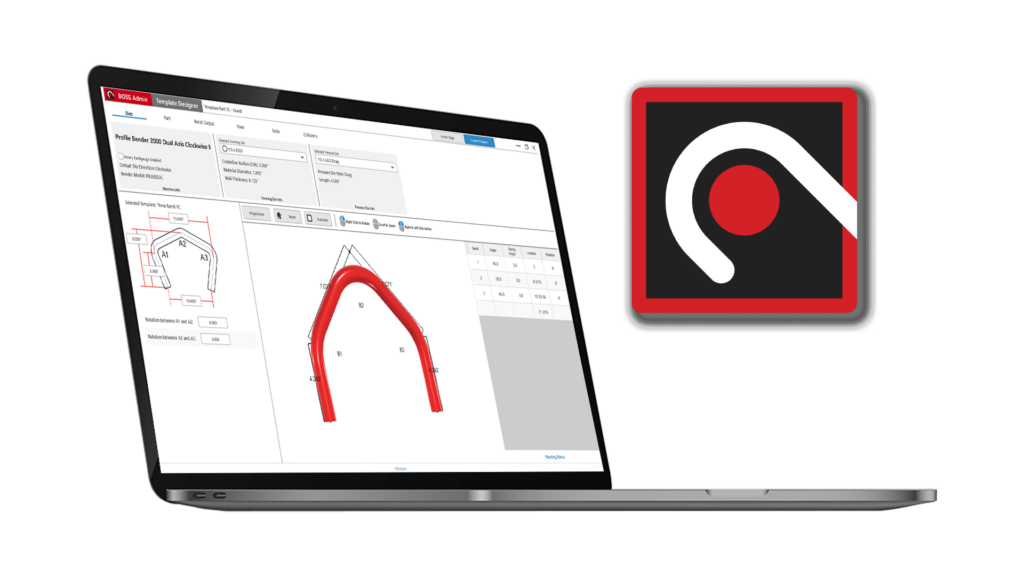
Most bending problems are programming problems. Bend-Tech BOSS is the offline programming software built specifically for the PB 2000 DC meant to streamline the pre-bending workflow. Design your part, simulate your bend sequence, catch errors before they reach the floor, and transfer the program directly to the bender.
BOSS accepts STEP file imports for single parts and assemblies, with Auto-Separate automatically identifying individual components from a multi-part file. (Additional accepted files: BTPART, BTBP, ENC*)
*Additional purchase necessary
Files imported from third-party CAD programs will automatically carry over any relevant information like material size.
Import both single parts and whole assemblies into BOSS software.
Assembly imports will auto-separate to individual parts for increased program control.
Supported File Types: STEP, BTPART, BTBP, ENC*
*Additional purchase necessary
Design 3D bent parts using the apex of each bend as the reference point providing precise control for consistent, accurate part geometry.
Design 3D bent parts using the tangent of each bend as the reference point providing precise control for consistent, accurate part geometry.
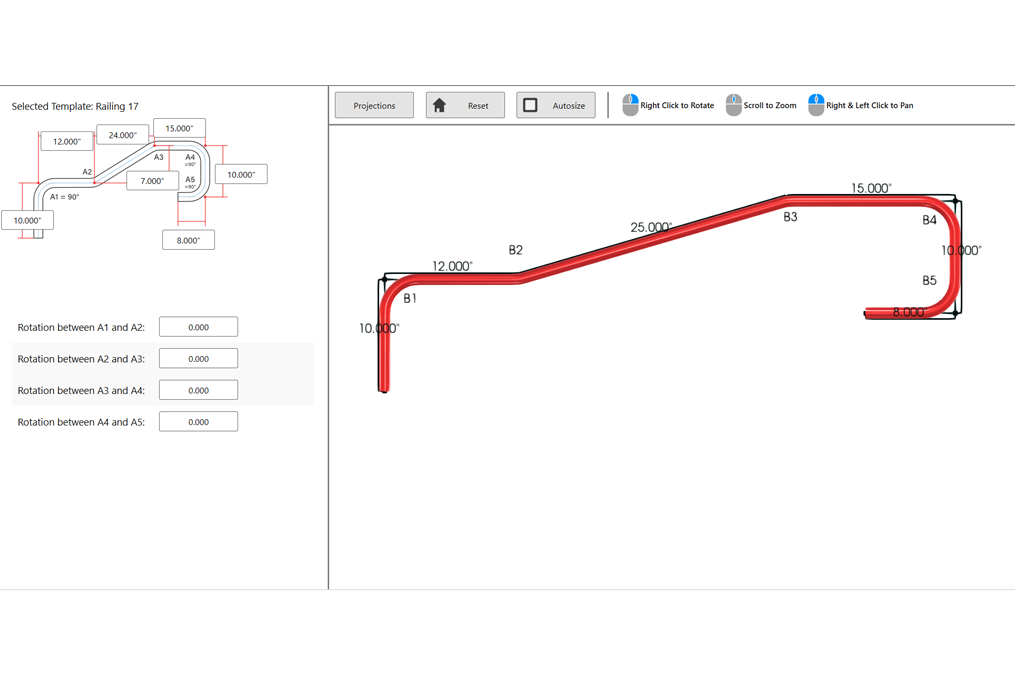
Create common bent parts using predefined templates, allowing for custom dimensioning for fast, consistent part design.
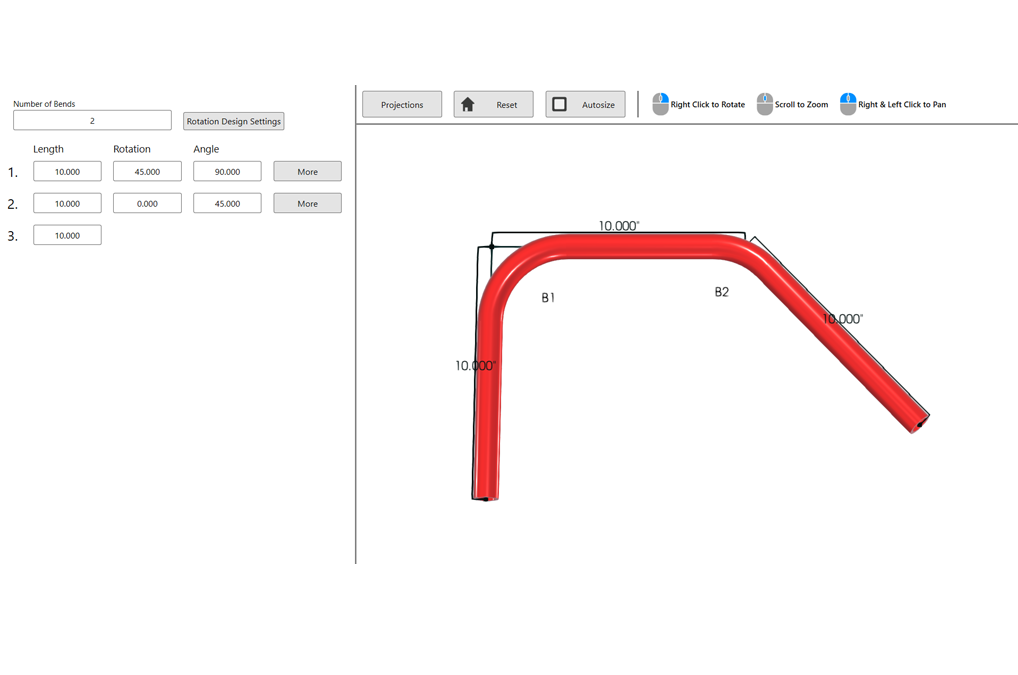
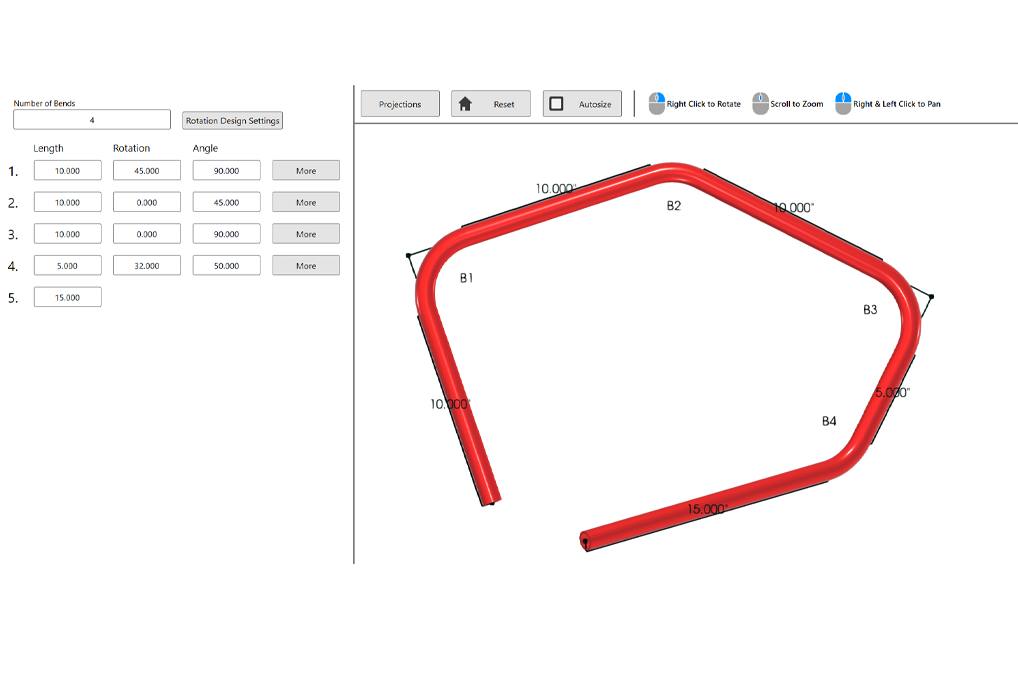
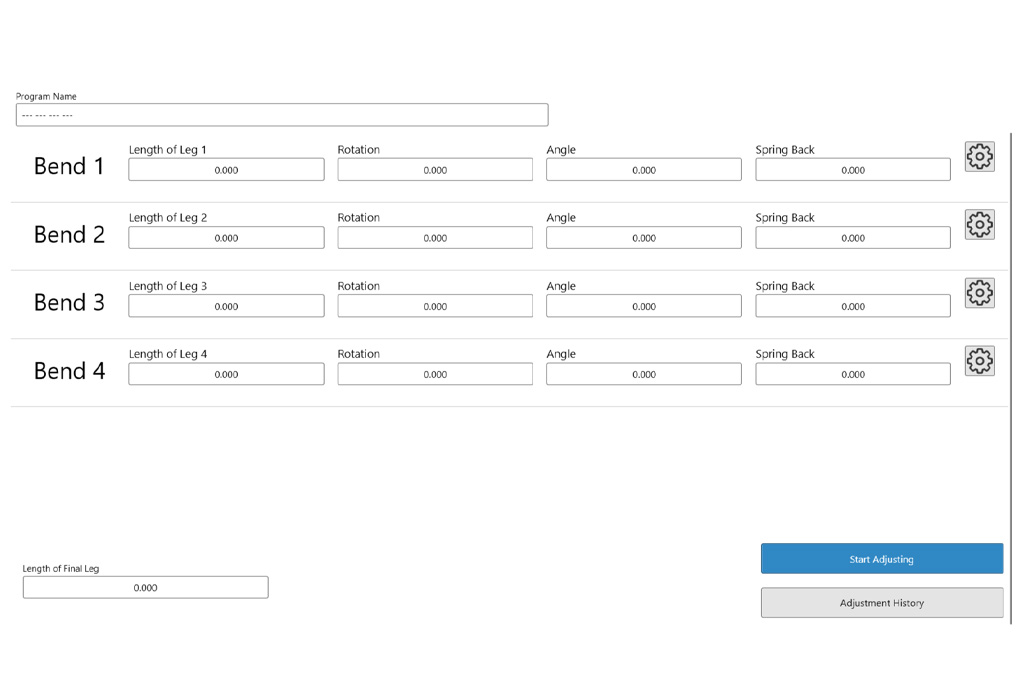
Quickly input bend information for single part bend programs with complete control over lengths, rotations, angles, and springback.
Design bent parts with multiple radii on the same part.
Reorder the sequence of bends for quick custom part editing.
Reverse the bend order of a completed part.
Add cut-off lengths to the start and end of the designed part.
Get notified if the bent part is outside of the machines physical limtis.
Measure part geometry from outside, inside, and centerline profiles.
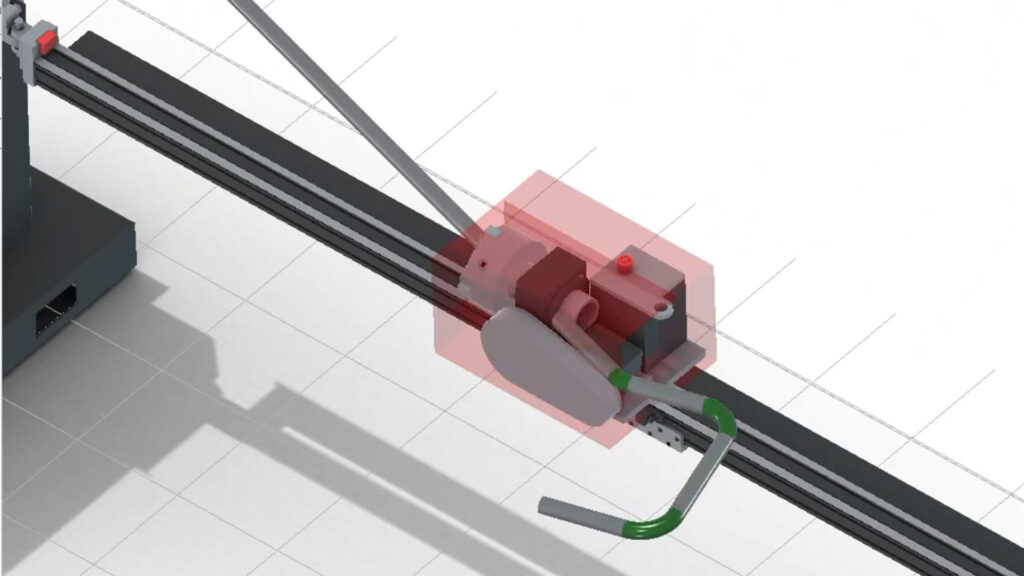
BOSS generates a complete 3D simulation of the programmed bend sequence, rendering each axis movement in the correct order before the program is sent to the machine. The simulation reflects the current die and machine configuration stored in the library.
During simulation, BOSS automatically checks for interference between the material, tooling, and machine at every point in the bend sequence. When a collision is detected, the software identifies the exact location and bend step where the interference occurs with a visual and text alert.
BOSS gives programmers full control over every variable in the bend program before it reaches the machine, as well as the ability to refine those variables after a run without starting over. From initial setup to ongoing production runs, the program management tools in BOSS are built around reducing the back-and-forth between the office and shop floor.
Selected material and die libraries apply user-defined values for springback, speeds, dwells, bend allowances and bend setbacks.
When a finished part comes out of spec, QC Adjustments let the operator correct the value directly in the software without having to re-design the complete program.
Provides direct access to core bend variables: length, rotation, angle, and springback for review and adjustment before the program is sent to the machine.
Send programs from BOSS directly to the PB 2000 DC via wireless network or USB.
BOSS stores your complete bend program library offline with no limit on program count. Every imported or designed part can be organized, saved, and sorted.
Back up the complete program library and restore it when needed. Organize different production runs through backups and protect against data loss.
Design or import the part in BOSS. Sent it wirelessly to the PB 2000 DC. Start Bending.
Minimum Supported Requirements:
Recommended Requirements:

The Dragon A400 machine, center support lifter, marker, engraver, laser pointer, technology package, and Bend-Tech Dragon Software. Requirements: An active internet connection, a plasma torch with a mechanized head, 220-240V outlets, two 110-120V outlets, misc. outlets, and an air compressor. Available add-ons: plasma system, material coolant system, angle/channel motorized gate, and additional software license.
Contact our sales personnel so they can assist in selecting the correct plasma system.
Your Dragon A400 has a 12 month electronics and hardware limited warranty.
Customer support always answers the phone during our business hours and we strive to work with you to resolve the problem. If necessary, Bend-Tech can send a Dragon Technician to location.
Your Dragon A400 is shipped partially assembled. All Dragon A400 machines are fully assembled, calibrated, and tested at headquarters. Then, the machines are partially disassembled for shipping. Your Dragon A400 comes with a comprehensive assembly manual.
Yes, we keep a full stock of inventory of parts.
Your Dragon A400 is proudly assembled here in the USA. All of our departments are located in our 36,000 square foot facility in Osceola, Wisconsin. Almost all of the parts are from the Minneapolis & St. Paul area here in the Midwest.
Yes. The Dragon CAD/CAM software can import/export to and from many of the commonly used CAD programs (such as Solidworks, Inventor, AutoCAD, PRO Engineer, Tekla, SDS2, etc.) and can be used as a design program.
A 2 Year Maintenance Package is included in the purchase of a Bend-Tech Dragon A400. After the 2 Year Maintenance Package has expired, there is a year long maintenance package that is repurchased on a yearly basis to continue to receive support and software updates.
Typically, our lead time is 2 – 4 weeks. Bend-Tech always has inventory of the A400 by constantly manufacturing machines. For the current lead time, contact our sales personnel.
Yes
Over 600
From the front, back, top, or either side; it depends on how your shop is set up and what you are cutting. There are multiple ways to easily load material. The tube can be placed in the front gate, then tightened into the self-centering four jaw chuck, and then the front gate can be closed to the correct amount of tightness on the material. Usually, loading takes one person.
The cut speed varies based on a variety of factors; including material size, cut design, material type, tolerance requirements, material thickness, the use of a coolant system, and others. Depending on the variables, the torch can run up to 120 inches per minute while cutting. Between cutting, the rapid travel can run up to 1100 inches per minute (X-axis) and 30 RPM (Y-axis).
The dross level varies based on a variety of factors; including amperage used, cut speed, material size, cut design, material type, tolerance requirements, and material thickness. Optional coolant circulation system can greatly improve the cut quality and dross level. You can request a benchmark/sample package to see the Dragon cut parts in person.
+/- 0.010” (0.254mm)
Like many software programs, it does take some time to get comfortable knowing the ins and outs of the Bend-Tech Software. Most people become comfortable using the Bend-Tech Software after a couple days of practice and from there they become increasingly aware of the more detailed features. In case there is confusion with certain aspects of the software, we have Wiki pages and videos to help teach and train people on the software (see more). Also, the Bend-Tech support staff is always around to help during the normal weekly business hours. There is an On-site Training option available for purchase (see more). The On-site Training includes Bend-Tech sending a Dragon Technician on-site to train your Dragon Operator(s) on how to use the machine and the software. Customers are also allowed to come visit Bend-Tech headquarters to receive their training.
Since 2001
The Dragon A400 ships partially assembled. All Dragon A400 machines are fully assembled and calibrated at headquarters. Then, the machines are partially disassembled for shipping. Your Dragon A400 comes with a comprehensive assembly guide to instruct on how to properly reassemble the machine.
A 2 year Software Maintenance Package is included in the purchase of a Bend-Tech Dragon A400. After the 2 Year Software Maintenance Package has expired, there is a year long maintenance package that is repurchased on a yearly basis to continue to receive support and software updates. The Dragon Software is always improving to ensure the best capabilities for your company and others. The Software Maintenance Package provides consistent updates to your software and keeps you running with the newest capabilities. Your Bend-Tech, LLC. sales person will contact you one month to two weeks before your maintenance plan expires to ask if you would like to re-apply for an annual subscription.
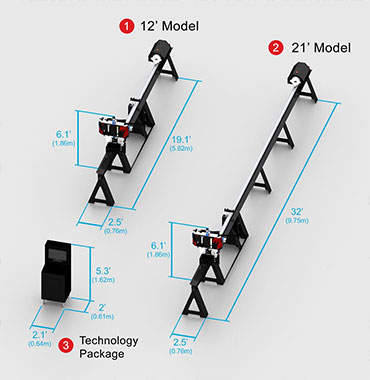
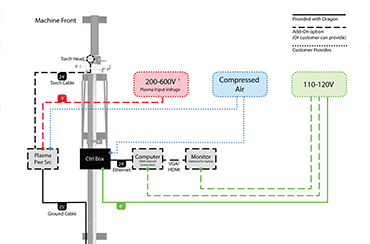
The Dragon A250 is shipped partially assembled in one crate. The Dragon A250 comes with instructions on the proper set up and install process.
Included with the purchase of your Dragon, the 2-Year Maintenance Package has the latest updates and enhancements in the software and direct customer support over the phone, email, or computer.
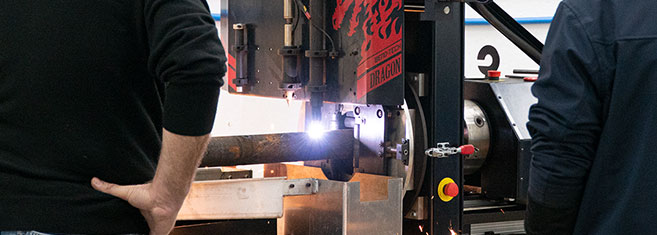
Call or email Bend-Tech to set up a time to come visit us to see the Dragon and Bend-Tech Software in person. We always welcome people to tour our facilities and receive detailed information from our Dragon Technicians through live demonstrations. If you cannot visit us in person, we can give a virtual tour of our facilities with an online video chat.
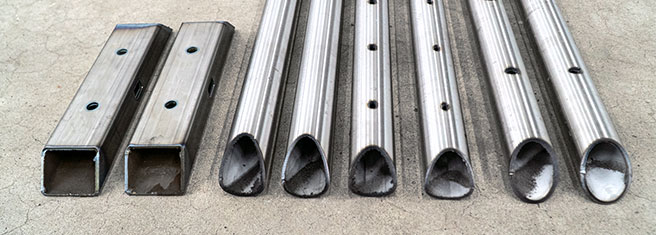
Contact us and we will make a benchmark of your parts. Send us the material and the design file, and we will cut out the parts and ship them to you with a video link of your parts being cut via email. The benchmark provides an opportunity to see the cut speed, cut quality, and clean up amount for your parts.
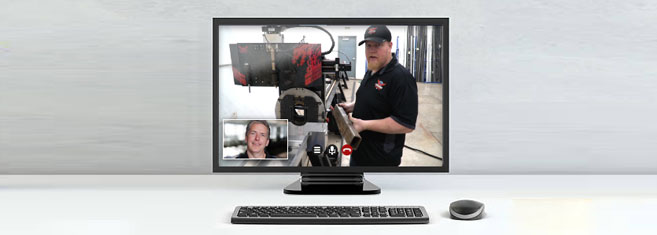
Call or email Bend-Tech to set up a time to connect with us online via live video. Our sales staff and Dragon Technicians will demonstrate the Dragon’s operation live and answer any of your questions.
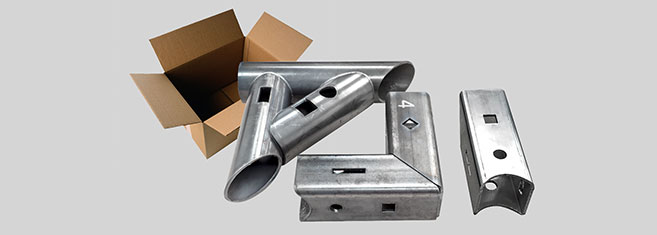
Bend-Tech can send you a sample package containing a variety of sample parts cut on the Dragon. Round, square, steel, and aluminum tubes have various cuts that show the Dragon’s cut quality (the sample pack is free including shipping).
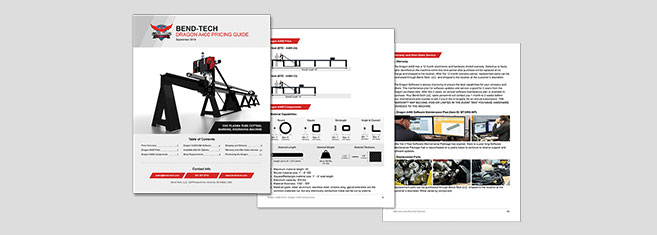
Contact Bend-Tech for a comprehensive pricing sheet. The pricing sheet breaks down the price on each available item. This allows you to select the best options that fits your shop’s needs.
The Dragon A250 machine, marker, laser light, and the Bend-Tech Dragon Software Suite.
Your Dragon A250 is shipped partially assembled and comes with a comprehensive assembly manual to instruct on how to properly reassemble the machine.
Yes, we keep a full stock inventory of parts.
The Dragon A250 is proudly designed, manufactured, and assembled in Osceola, WI, USA.
Yes, the Bend-Tech Dragon Software Suite is included with your Dragon A250.
Over 600 and counting.
From the front, back, top, or either side; it depends on how your shop is set up and what you are cutting there are multiple ways to easily load material. The tube can be placed in the front gate, then tightened into the self-centering three jaw chuck, and then the front gate can be closed to the correct amount of tightness on the material. Usually, loading is done by one person.
+/- 0.010 inch
The dross level varies based on a variety of factors; including amperage used, cut speed, material size, cut design, material type, tolerance requirements, and material thickness. The optional Material Coolant System add-on can greatly improve the cut quality and dross level. You can request a benchmark/sample package to see Dragon cut parts in person.
If a valid internet connection is not available on your computer, you may choose to purchase a security dongle to use the software offline. This will allow your computer to run Bend-Tech software as long as the security dongle is plugged into an available USB port on the computer. This USB security dongle becomes the license for your software.
While the security dongle will allow your computer to run Bend-Tech software without an internet connection, there are a few drawbacks to using the offline method. Bend-Tech software will not be able to automatically download any new updates and the direct Help Session will not be available. Also, any maintenance of a security dongle requires shipment back to our facility and back to you at additional cost. If you are unable to provide shipment of your security dongle (such as loss or theft), you will be required to purchase the dongle along with the full price of your software.